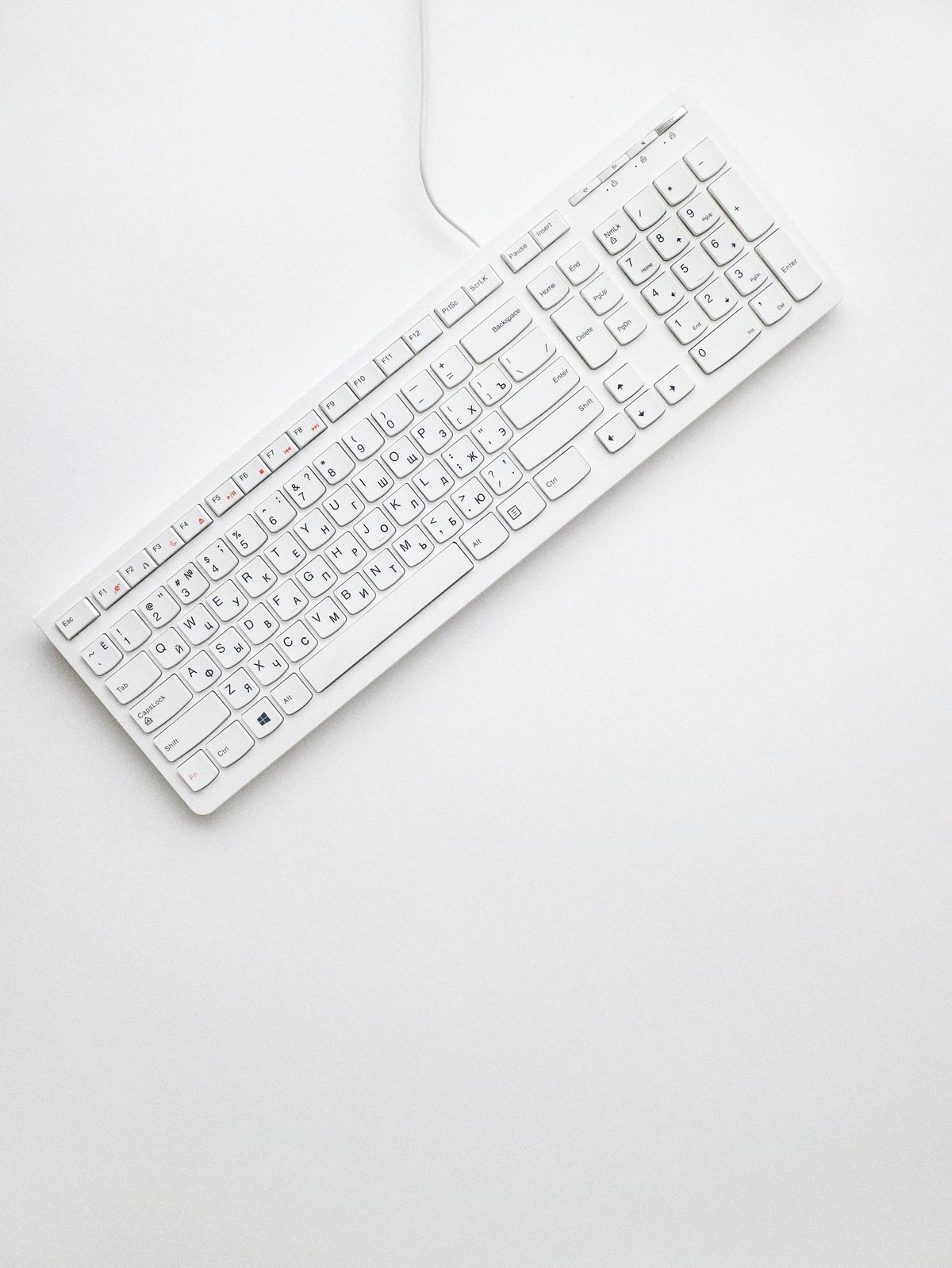
Mechanical keyboards have grown from niche enthusiast products to mainstream peripherals appreciated by typists, programmers, and gamers. Unlike membrane keyboards that use rubber domes, mechanical keyboards employ individual switches for each key, providing superior tactile feedback, durability, and customization options. Understanding switch types, features, and personal preferences helps you select the perfect keyboard for your needs.
Understanding Mechanical Switches
The switch type determines your keyboard's feel and sound. Three main categories exist: linear, tactile, and clicky. Linear switches move smoothly without tactile bumps or audible clicks, preferred by gamers for rapid key presses. Tactile switches provide physical feedback when keys actuate without audible clicks, popular among typists. Clicky switches combine tactile feedback with audible clicks, satisfying for typing but potentially annoying in shared spaces.
Cherry MX switches set the standard, with color-coded options including MX Red for linear, MX Brown for tactile, and MX Blue for clicky. However, numerous manufacturers now produce switches with varying characteristics. Gateron, Kailh, and other brands offer alternatives often matching or exceeding Cherry quality at lower prices.
Actuation Force and Travel
Switches vary in actuation force, the pressure required to register keystrokes. Light switches around forty-five grams suit rapid typing and gaming, while heavier switches around sixty-five grams reduce accidental presses and may feel more substantial. Travel distance, typically two to four millimeters, affects typing speed and ergonomics. Shorter travel enables faster typing but may increase typos.
Keyboard Sizes and Layouts
Full-size keyboards include number pads and function rows, familiar and comfortable for most users. Tenkeyless or TKL boards eliminate number pads, saving desk space while retaining navigation clusters and function keys. Sixty-five percent layouts remove function rows while keeping arrow keys and essential navigation. Sixty percent boards further minimize, removing dedicated arrow keys and requiring function layer access for certain keys.
Smaller layouts save significant desk space, particularly valuable for limited work areas or gamers using low mouse sensitivity. However, missing keys require adaptation and aren't suitable for users frequently entering numerical data or relying heavily on function keys.
Build Quality and Materials
Keyboard construction significantly impacts durability and feel. Plastic cases work fine but premium aluminum cases provide heft, stability, and improved acoustics. Plate-mounted switches attach to metal plates providing rigidity, while PCB-mounted switches attach directly to circuit boards, allowing more flexible designs.
Keycap material and profile affect aesthetics and typing experience. ABS plastic is common but develops shine over time. PBT plastic resists wear better, maintaining texture through years of use. Profile shapes including OEM, Cherry, and SA create different typing angles and feels. Higher-quality keycaps use doubleshot or dye-sublimation printing ensuring legends never fade.
Features to Consider
Hot-Swappable Switches
Hot-swappable keyboards allow switch replacement without soldering, enabling customization and experimentation. This feature helps users try different switches or replace failed switches easily. It's particularly valuable for first-time mechanical keyboard buyers unsure which switch type they'll prefer.
Programmability
Programmable keyboards support custom key mappings, macros, and layers. QMK and VIA firmware provide extensive customization through open-source software. Simple remapping helps optimize layouts for specific workflows, while advanced users create complex macro sequences for productivity or gaming.
Backlighting
RGB lighting enables visibility in dark environments and customization of keyboard aesthetics. Per-key RGB allows elaborate lighting effects, while single-color or zone lighting provides functionality without distraction. Some users find RGB unnecessary or distracting, preferring subtle single-color backlighting or none at all.
Connectivity
Wired keyboards offer simple, reliable connections without latency or battery concerns. Wireless options using Bluetooth or proprietary dongles provide cleaner desk aesthetics and portability. Modern wireless mechanical keyboards achieve latency comparable to wired alternatives, suitable even for competitive gaming.
Ergonomic Considerations
Standard staggered layouts work for most users but ergonomic alternatives exist. Split keyboards separate key groups, allowing more natural hand positioning. Ortholinear layouts arrange keys in straight columns rather than staggered rows, potentially reducing finger travel. Tenting adjusts keyboard angle, reducing wrist strain during extended typing sessions.
Wrist rests provide support, though opinions vary on whether they help or hinder ergonomics. Adjustable feet allow angle customization, and negative tilt where the front sits higher than the back reduces wrist extension for some users.
Budget Considerations
Entry-level mechanical keyboards start around fifty dollars, offering basic functionality with standard switches. Mid-range options from eighty to one hundred fifty dollars provide better build quality, additional features, and more switch options. Premium keyboards exceeding two hundred dollars offer aluminum construction, hot-swappable switches, extensive customization, and premium keycaps.
Custom mechanical keyboards from specialist vendors or built from components can cost several hundred dollars but provide unique aesthetics and optimized typing experiences. This hobby appeals to enthusiasts but isn't necessary for excellent typing experience.
Testing Before Buying
Try mechanical keyboards before purchasing when possible. Many electronics stores display mechanical keyboards allowing hands-on testing. Switch testers containing various switch types cost ten to twenty dollars, helping narrow preferences before committing to full keyboards. Community meetups in larger cities often feature members showcasing various keyboards and switches.
Maintenance and Longevity
Mechanical switches typically last fifty million keystrokes or more, far exceeding membrane keyboard lifespans. Regular cleaning maintains performance and aesthetics. Remove keycaps periodically, cleaning with compressed air and damp cloths. Avoid liquid spills, but mechanical keyboards generally handle accidents better than membrane alternatives, with replaceable switches limiting damage.
Conclusion
Mechanical keyboards offer superior typing experiences, extensive customization, and impressive durability justifying their higher costs. Understanding switch types, features, and personal preferences guides selection toward keyboards enhancing productivity and enjoyment. Whether you're a programmer spending hours coding, a writer crafting articles, or a gamer demanding responsive inputs, appropriate mechanical keyboards transform your computing experience. Start by identifying your priorities regarding switch feel, size, features, and budget, then explore options matching your needs. The right mechanical keyboard becomes a joy to use daily, improving both the practical and emotional aspects of computer interaction.